Animation
Layers
Background
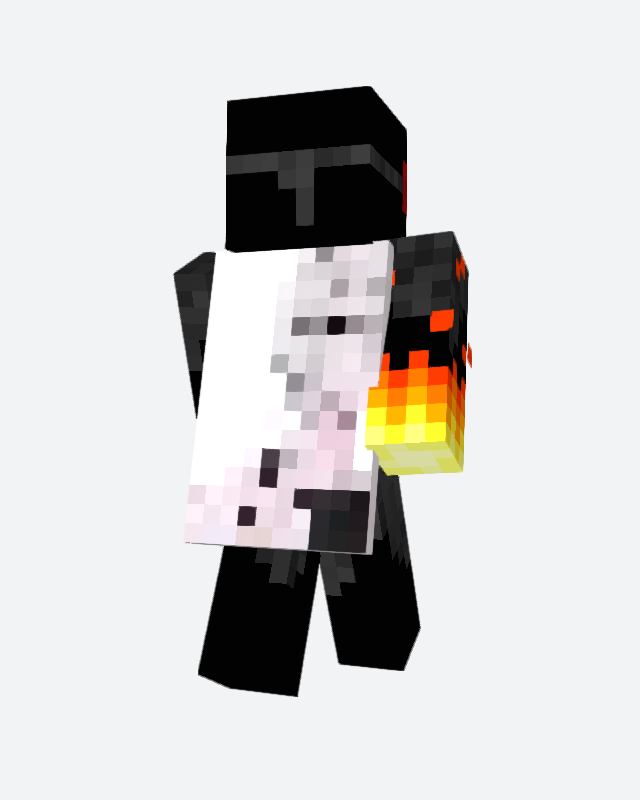
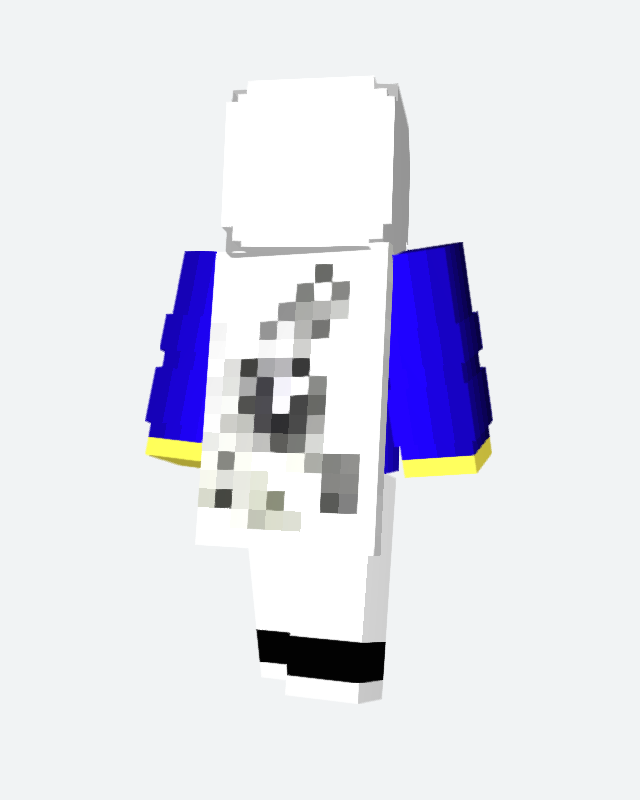
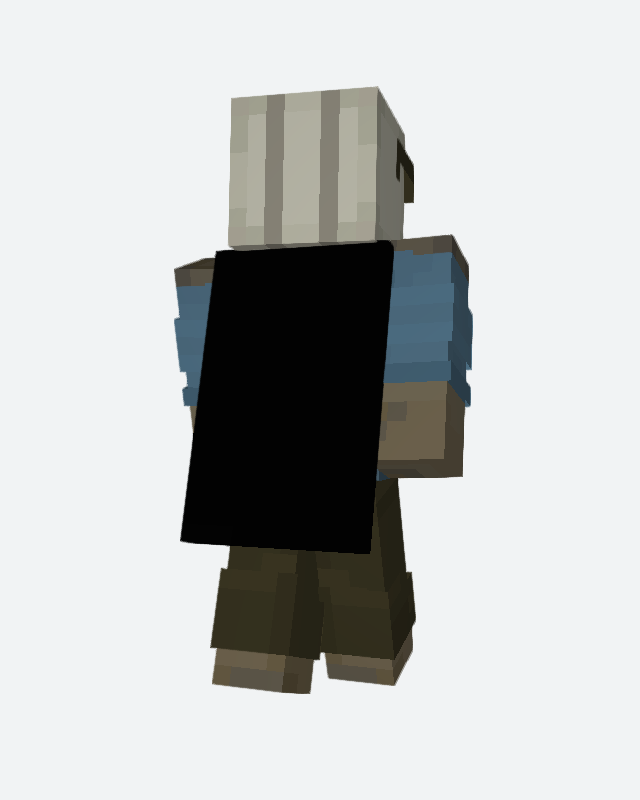
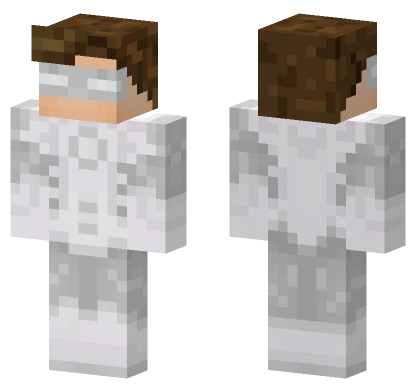 Skin shown: White HatefooGet this skin →
One-off designs made by the community.
Download
How to use it
Bedrock (phone, tablet, console, Windows): tap Bedrock .mcpack and open the file — Minecraft imports it by itself. Then go to Dressing Room → Classic Skins, pick the Minecraft Live 26 Cape pack and choose its skin; the cape comes with it. Full Bedrock guide
Java: Java Edition does not let you upload your own cape, so the PNG files are made for the cape mods that do — point the mod at the PNG you downloaded. The 64×32 file is the standard size; the HD file is for mods that support higher-resolution capes.
Details
| Category | Custom capes |
| Texture size | 64 × 32 pixels |
| HD size | 1024 × 512 pixels |
| Cape area | 10 × 16 pixels |
| Format | PNG with transparency |
| Series | Minecraft |
| Subject | Logo & Emblem |
| Main colours | Black |
| Colour codes | #000000 #787878 #f0f0f0 |
Tags
Edit this one
More capes from Minecraft
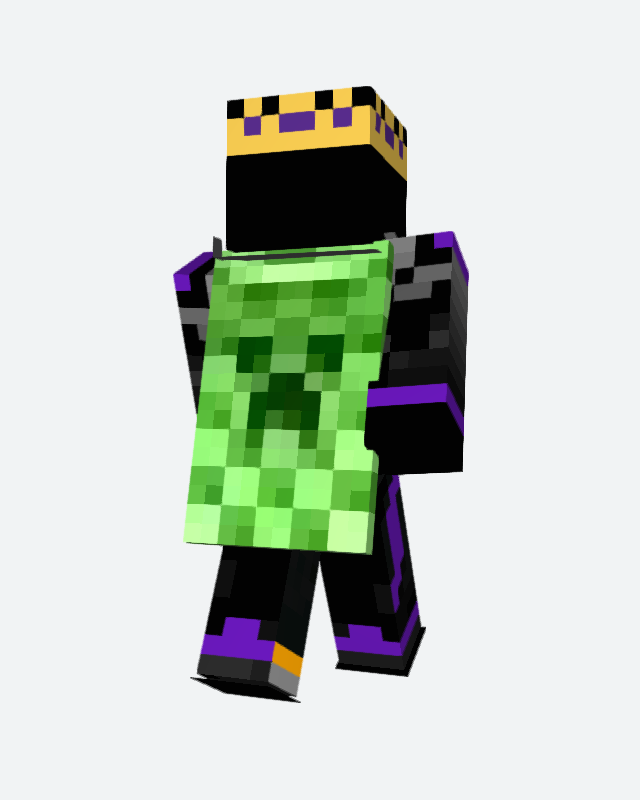
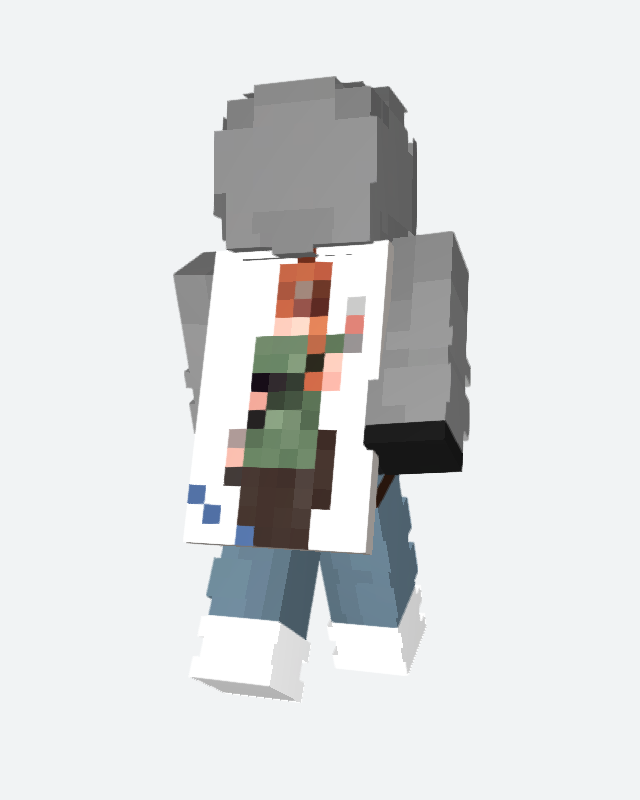
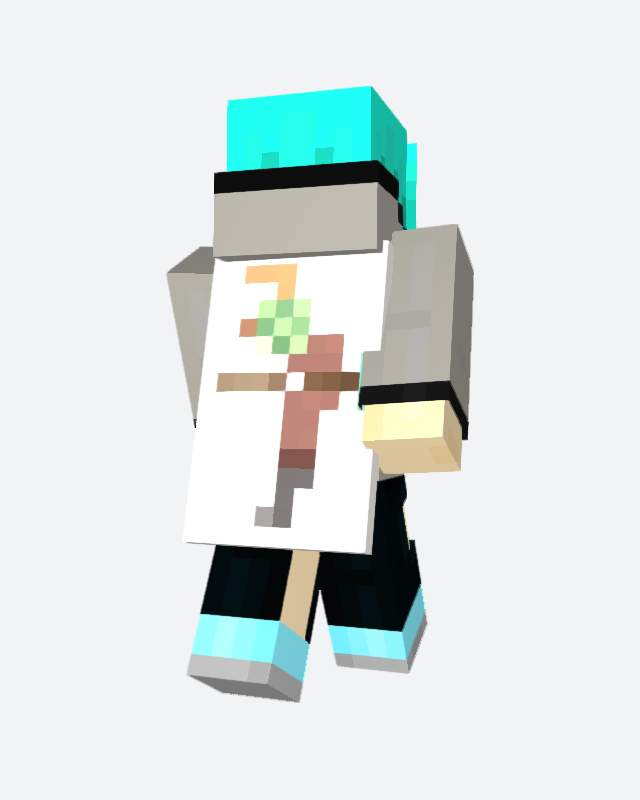
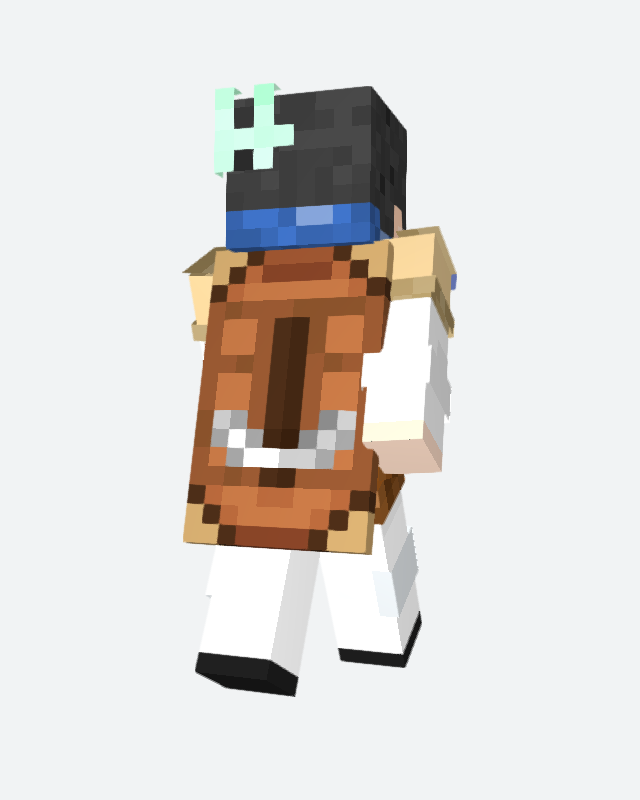
Capes that share the most with this one
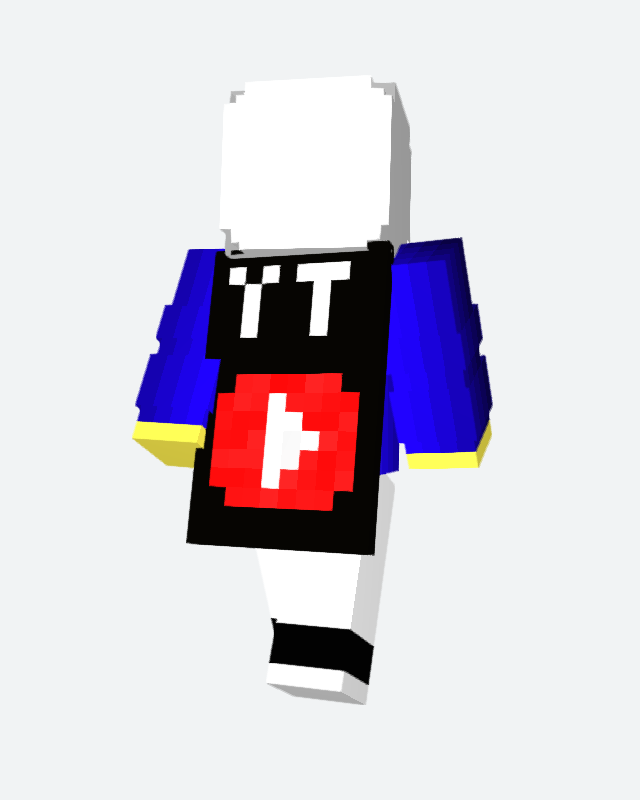
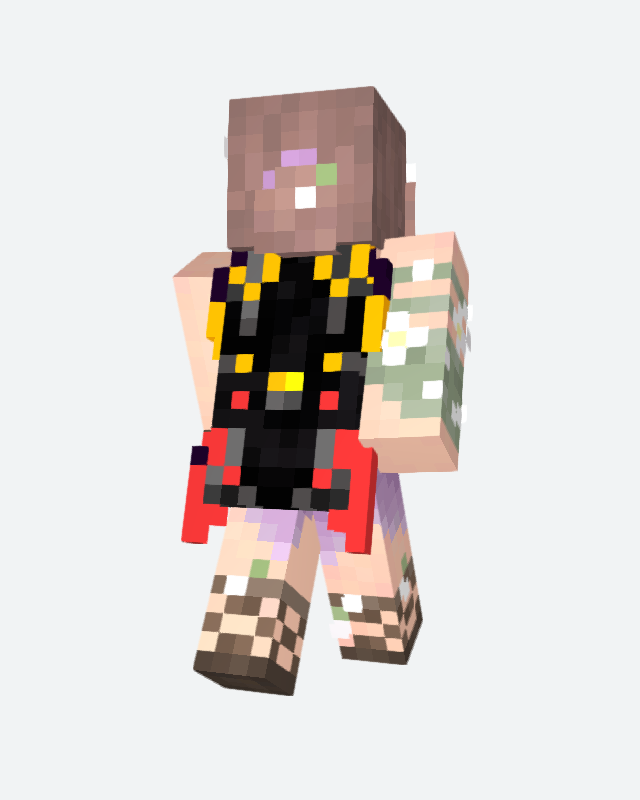
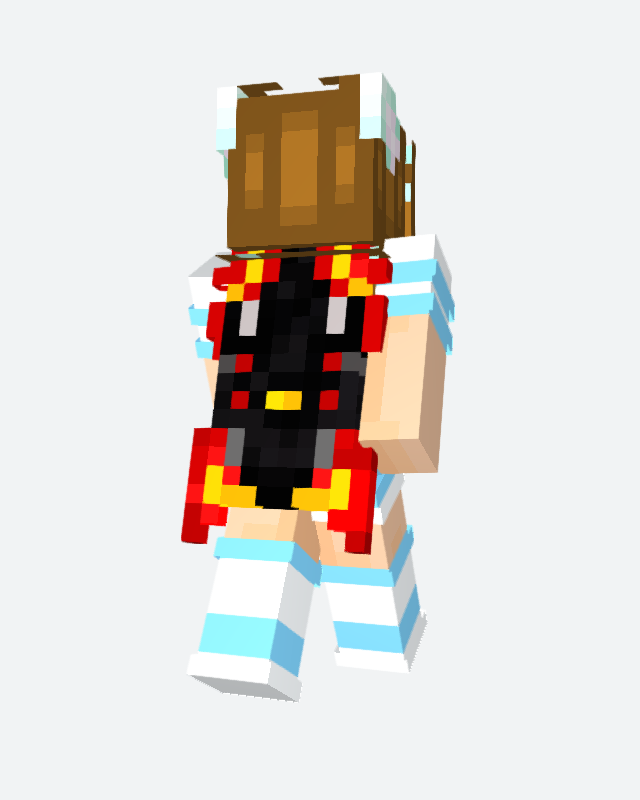
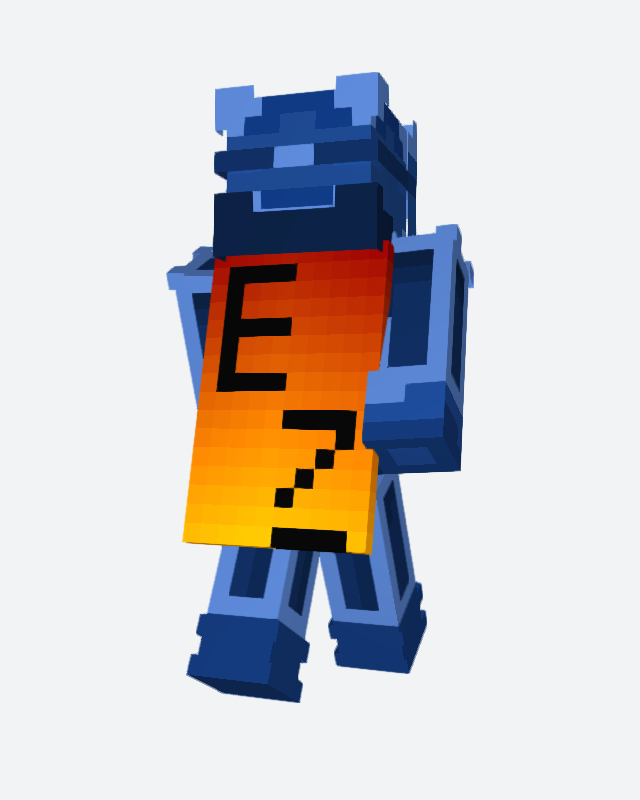
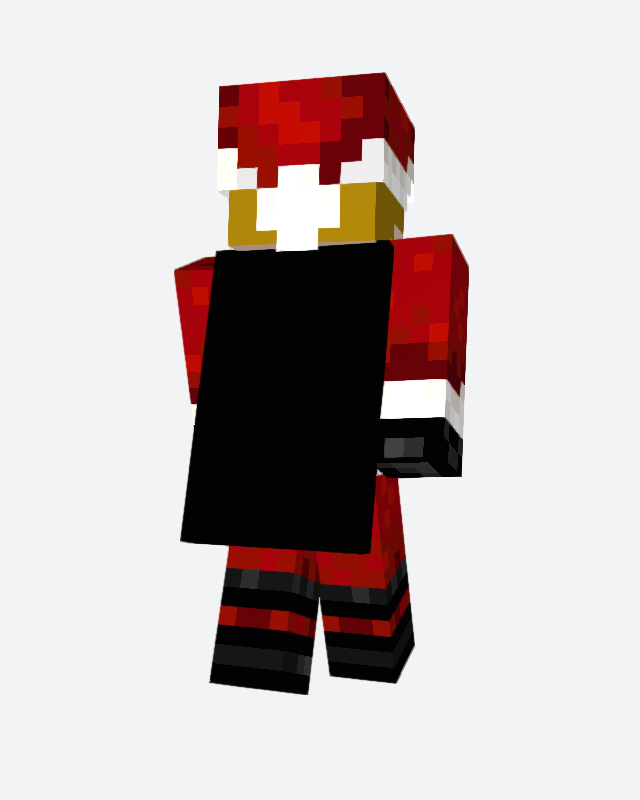
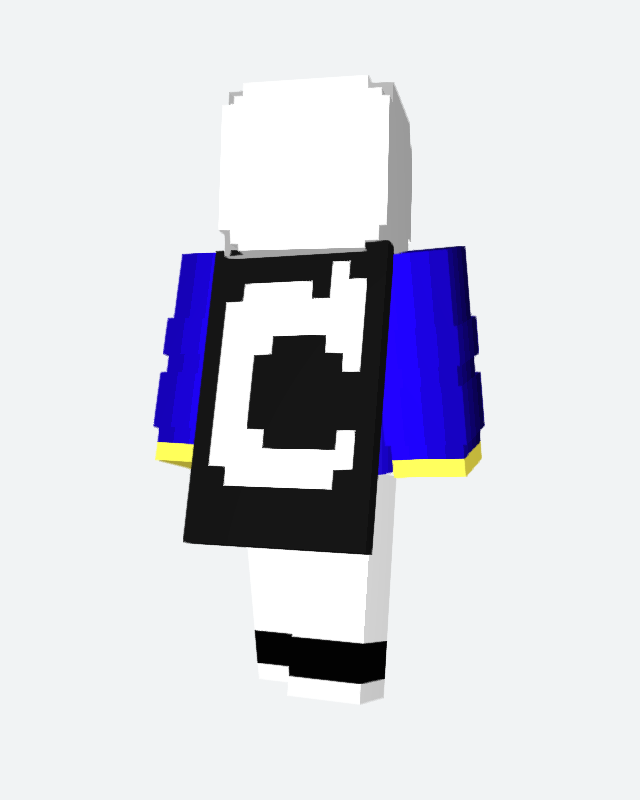
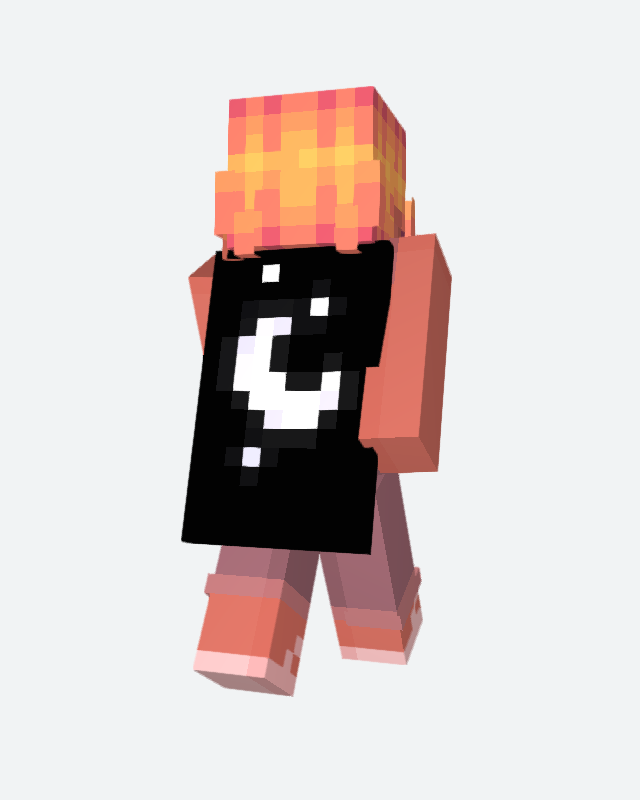
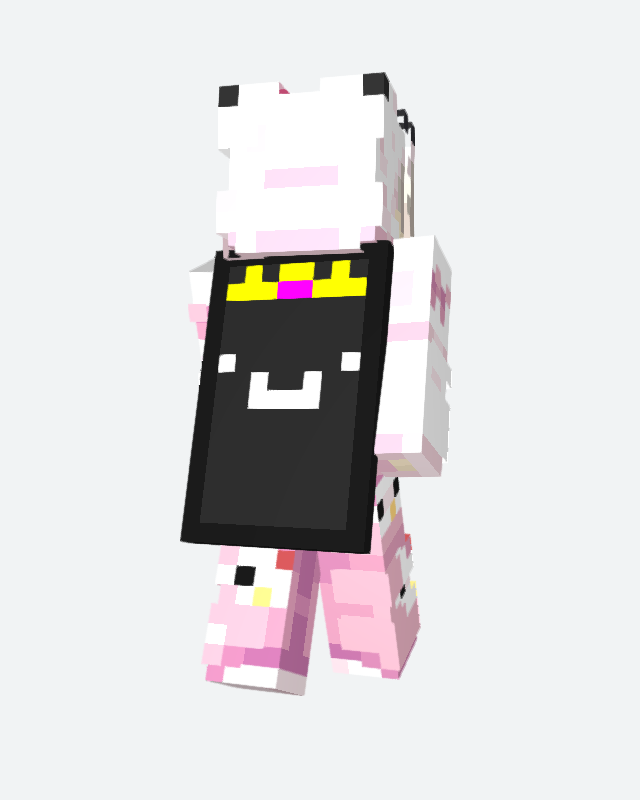
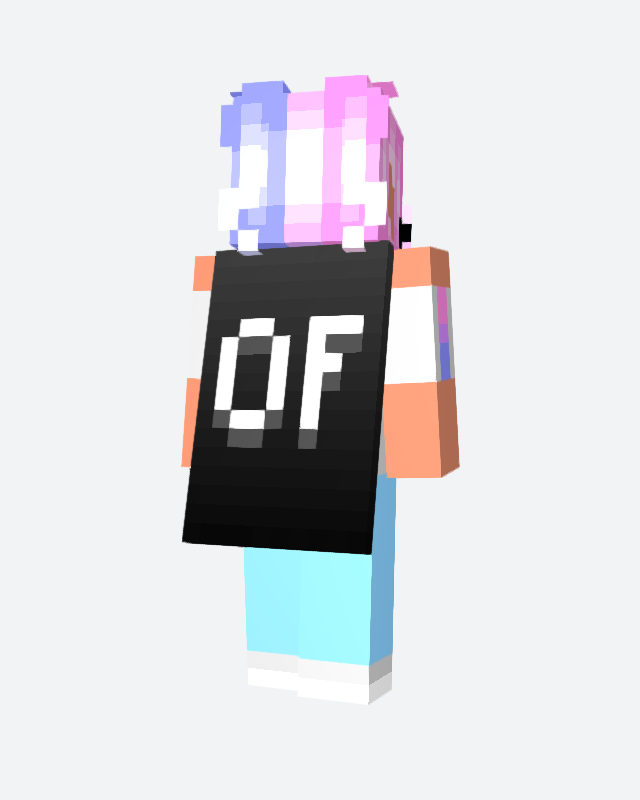
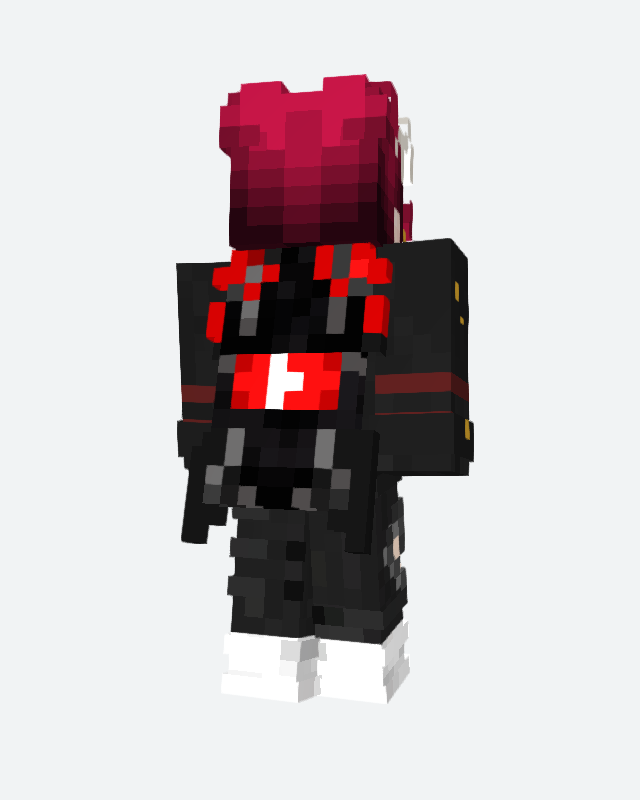
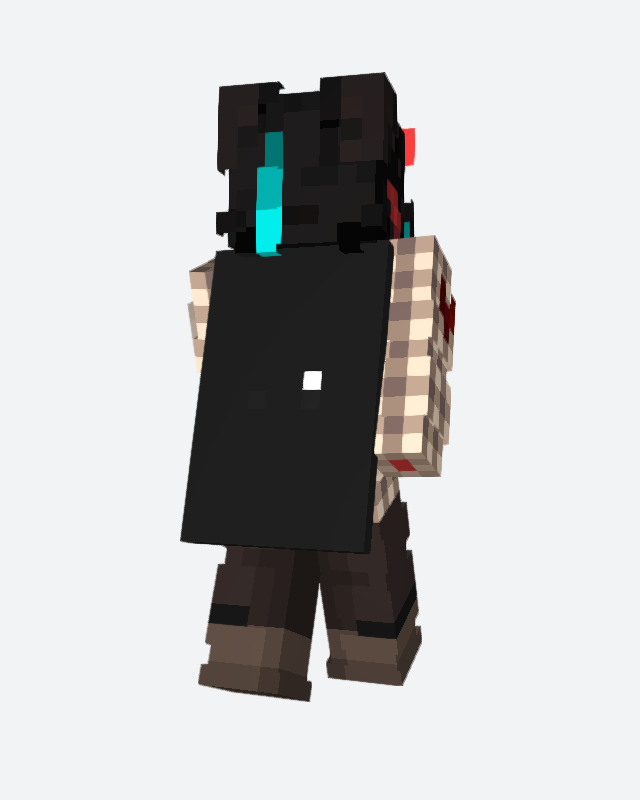
More custom capes — one-off designs made by the community.
Every cape tagged “custom”
Capes in the same colour family as Minecraft Live 26
A few from each of the other categories